
Getting Started
SSO & MFA
本頁內容尚未翻譯。
LumiTure supports Enterprise single sign-on with your company’s Google or Microsoft (Entra ID) account. Authentication and multi-factor authentication are handled entirely by your identity provider — LumiTure doesn’t store a separate password or run its own MFA. This keeps sign-in simple and meets enterprise security and compliance requirements.
Sign in with SSO
Section titled “Sign in with SSO”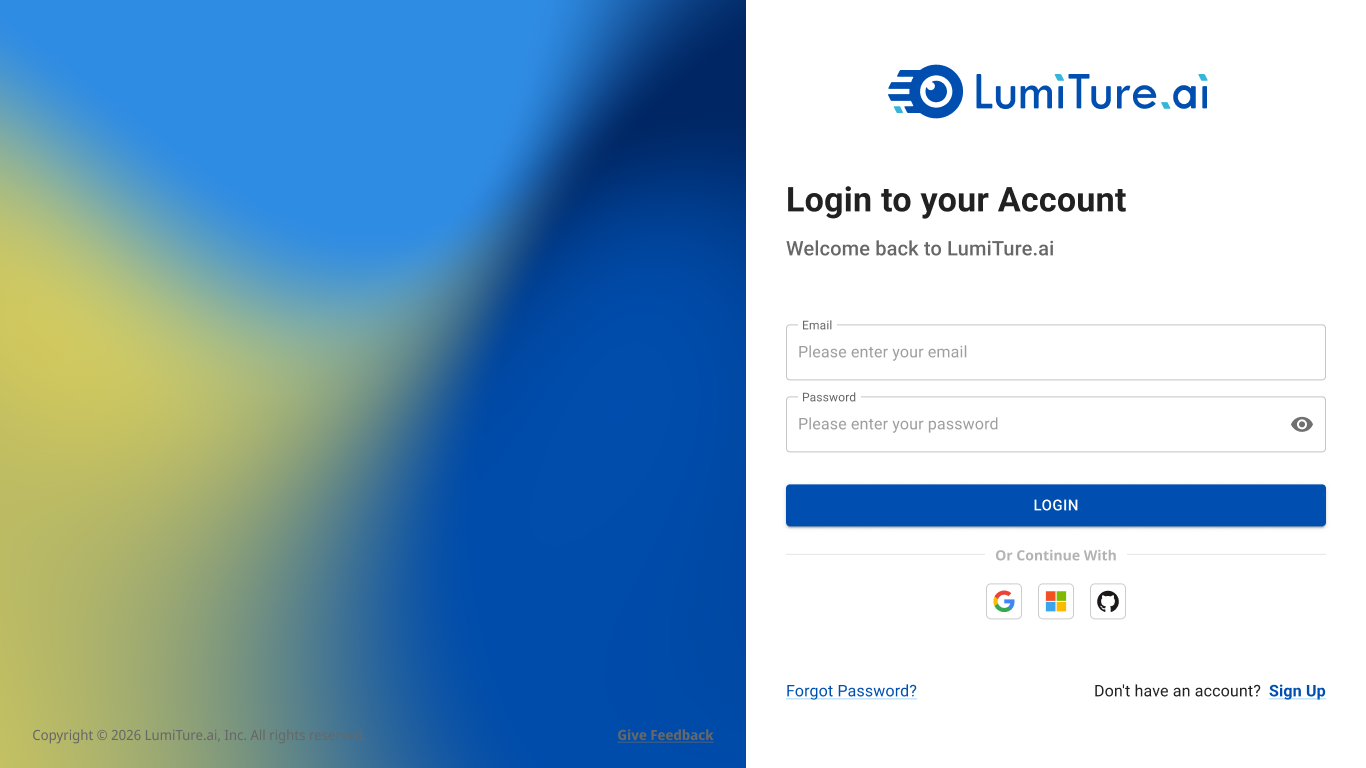
On the login screen, choose Continue with Google or Microsoft. You authenticate with your provider (including any MFA they enforce) and return to LumiTure signed in. If you’re a first-time SSO user with no organization yet, you’re guided to fill in a short profile and create one before you land in the app.
MFA — password strength, one-time codes, push notifications, security keys, and account recovery — all follow your Google / Microsoft account settings. LumiTure doesn’t have its own MFA setup page. If your provider locks you out after too many failed attempts, LumiTure shows a generic error; unlocking is handled by your provider.
Account linking
Section titled “Account linking”If you already had a manually-registered account, signing in with SSO using the same email automatically links to that account — no duplicate is created. The same holds across providers: signing in first with Google and later with Microsoft on the same email is treated as one person.
Staying signed in
Section titled “Staying signed in”Sessions use a 30-day sliding window — any activity extends it another 30 days, with no cap. You’re only signed out after 30 consecutive days of no activity, after which you sign in again through your provider. Signing out of LumiTure doesn’t sign you out of Google / Microsoft, and vice versa.
Notes & edge cases
Section titled “Notes & edge cases”| Situation | Behavior |
|---|---|
| SSO verification fails | Returns to the login page with a generic error. |
| Same email, different provider | Treated as one person and linked automatically — no duplicate account. |
| New user with no organization | Guided to fill in a profile and create an org (a short-lived signup step). |
| Locked out by the provider | LumiTure shows a generic error; the provider handles lock / unlock. |
| 30 days of inactivity | Signed out; sign in again via the provider (including MFA). |